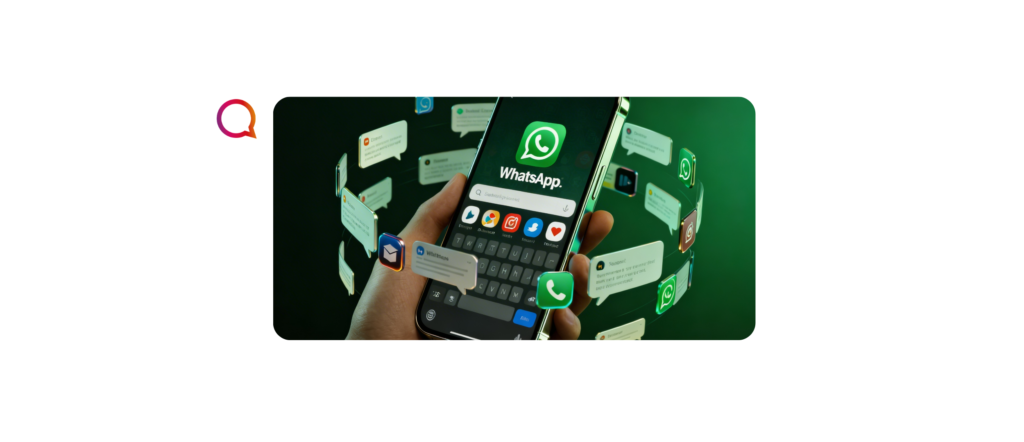
It is highly coveted by companies and users, largely due to the aura of fame, credibility, and authority it confers on those who hold it. Yes! We're talking about verification seals, of the Facebook, Instagram, and also of the WhatsApp. Until recently, the latter appeared as a green "check" in front of the user's official name. But since nothing lasts forever on Meta, it has been gradually changed to a blue badge, in line with the Instagram and Facebook badges. That's right: WhatsApp verification badge is now blue! Want to know how to achieve yours and what steps you should take? Continue reading this article.
+ Credibility
First of all, it is important to understand why the verification seal is so coveted by companies and people renowned.
In a world increasingly permeated by AI and automatic generation of images and avatars, it is quite The emergence of “deep fakes” or fake accounts is common who pretend to be someone else in search of undue economic advantages or even to confuse and create chaos.
THE verification is then a way that companies and prominent people have to formalize your accounts confirming to users that this is really who they are. Therefore, a security issue.
Over time, due to its restriction to a group of users, the seal also ended up assuming an aura of authority and exclusivity to those who hold it. Something highly coveted.
How do I get my verification badge on WhatsApp?
Have you already discovered that WhatsApp verification badge is now blue and also understood its importance. The question that remains: How do I get mine?
Understand that Meta provides 2 ways to obtain the seal verified account:
– Brands, entities and famous people can obtain it through WhatsApp Business API, with support from a Meta partner, like the Matrix Go.
– Paid subscription to Meta Verified.
Understand each of these modalities below.
WhatsApp Business API
THE WhatsApp Business API is the model of WhatsApp account aimed at businesses that seek, among other features, automate conversations in the appWith it, you can create automated service menus, use smart buttons, send bulk messages, explore automated services within the app – among other solutions.
One of them, for example, is that With the WhatsApp API, you can request verification and the seal request. It is important to say that it is not enough to have the API to automatically acquire verification – it is still a request process, which involves the following criteria (and the possibility of denial by Meta):
– Enable the two-step authentication
– The Business Manager Facebook needs to be verified via Facebook
– Be a Legal Entity
– It is recommended that you be in the Level 2 or above in the message classification
– Be a notable and renowned brand
Obeying these criteria, a request analysis by Meta. Although WhatsApp allows the WhatsApp Business API user to request the badge themselves (in the WhatsApp Manager in the Facebook Business Settings), it is highly recommended transfer the request to a Meta partner, such as Matrix GoPartners like us already know the ins and outs of this process and the main documents that need to be presented to confirm the identity and relevance of a given brand/company to obtain the seal.
If you want to provide professional service through the app and earn your blue seal, speak to a Matrix Consultant: 0800 604 5555
Meta Verified
Another possibility of Obtaining the WhatsApp blue badge is through Meta Verified - signature monthly seal verification fee which already exists on Facebook and Instagram. Meta confirmed that it is beginning to implement this package on WhatsApp for Brazil, India, Indonesia, and Colombia.
THE Meta Verified on WhatsApp is aimed at businesses and to register on it you need to:
– Have at least 18 years old
– Have a phone number from a country where Meta Verified for companies be available
– Follow the Meta Verified Business Terms of Service and the WhatsApp Business Terms of Service
THE WhatsApp Business account must also be qualified, following the following requirements:
– Have a presence on WhatsApp Business established for some time
– Have sent a message recently
– To be located in a country where Meta Verified for companies to be available
– Have a name and a defined image on WhatsApp
– Not having a Premium subscription WhatsApp Business
– Not having an active Meta Verified subscription in Meta Business Suite
To learn more about Meta Verified, pricing, and plans, access here!
Regardless of the way you choose to obtain your seal, it is important above all to understand that it is a symbol of authority, credibility and security for customers and users. In fact, it makes all the difference to have that little blue sign after your name in the app and to acquire it, the process of confirming identity and relevance remains rigorous and demandingThe color of the seal has changed, but its symbolism remains the same!
READ ALSO: “Paid verified badge on Instagram and Facebook!”
READ ALSO: “Be careful! You might lose your number!”