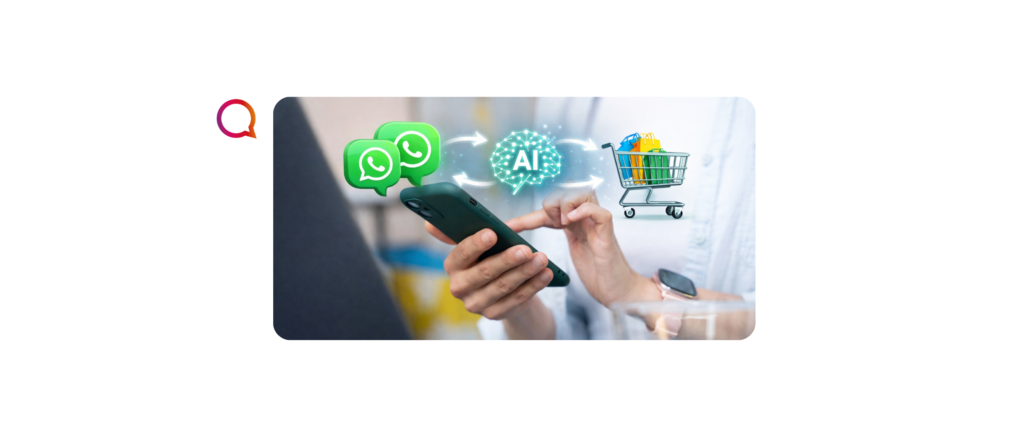

High Structured Message (HSM) is a Meta-authorized tool for automating active communication with customers.
This message type has a pre-approved structure in accordance with WhatsApp Business policy. This means businesses can safely use WhatsApp HSM to automatically communicate with their customers.
Companies use these messages to send notifications about promotions, order status, and information about invoices and bills, even when the customer didn't initiate the conversation, as carriers do.
The tool works in two ways: to start conversations and to continue a request after 24 hours.
What are the rules for using HSM on WhatsApp?
For a company to use WhatsApp HSM, certain rules must be followed. Check them out!
- Have an official number
After creating a business account, WhatsApp Business verifies that the number used actually belongs to the company. After this process, the account is eligible to receive the blue authenticity badge.
Regarding the seal, it is worth remembering, however, that the company needs to be considered well-known and have a lot of public recognition — and this understanding comes from WhatsApp itself.
- Do not send spam
To send messages that are not considered spam, the company must have prior permission from the customer — called opt-in.
WhatsApp prohibits companies from sending commercial messages without this permission, and organizations that fail to comply with this rule risk being banned for sending spam.
- Respect unsubscription
When a customer no longer wishes to maintain contact with the company, it is possible to use a solution known as opt-out — which, as the name suggests, is the opposite of the opt-in mentioned above.
In addition to allowing the customer to unsubscribe from the company's mailing list, the company must respect this decision and not attempt to contact the customer until the user opts in again through the opt-in process.
HSM Categories and Templates
There are three categories of Highly Structured Message (HSM) templates on WhatsApp that can meet your needs and automate steps in your company's customer service: Marketing, Utilities, and Authentication templates.
Understanding these categories is the first step to using this tool effectively. We'll discuss them in more detail below. Check it out!
- Marketing
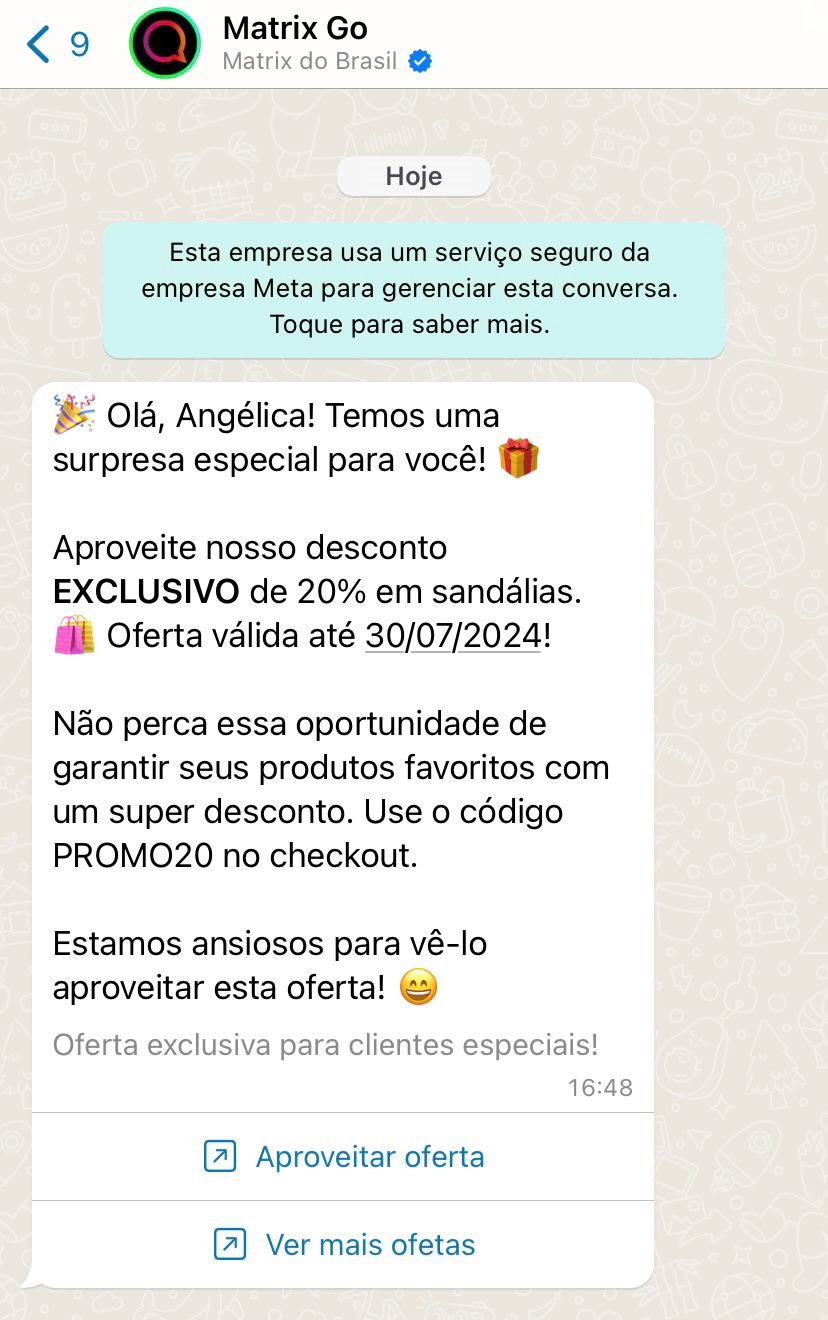
Marketing templates are the most flexible. They allow businesses to achieve a wide range of goals, from generating awareness to driving sales and more.
Practical Application: The most common example is calling a customer about a certain issue.
Example Message:
- Utility
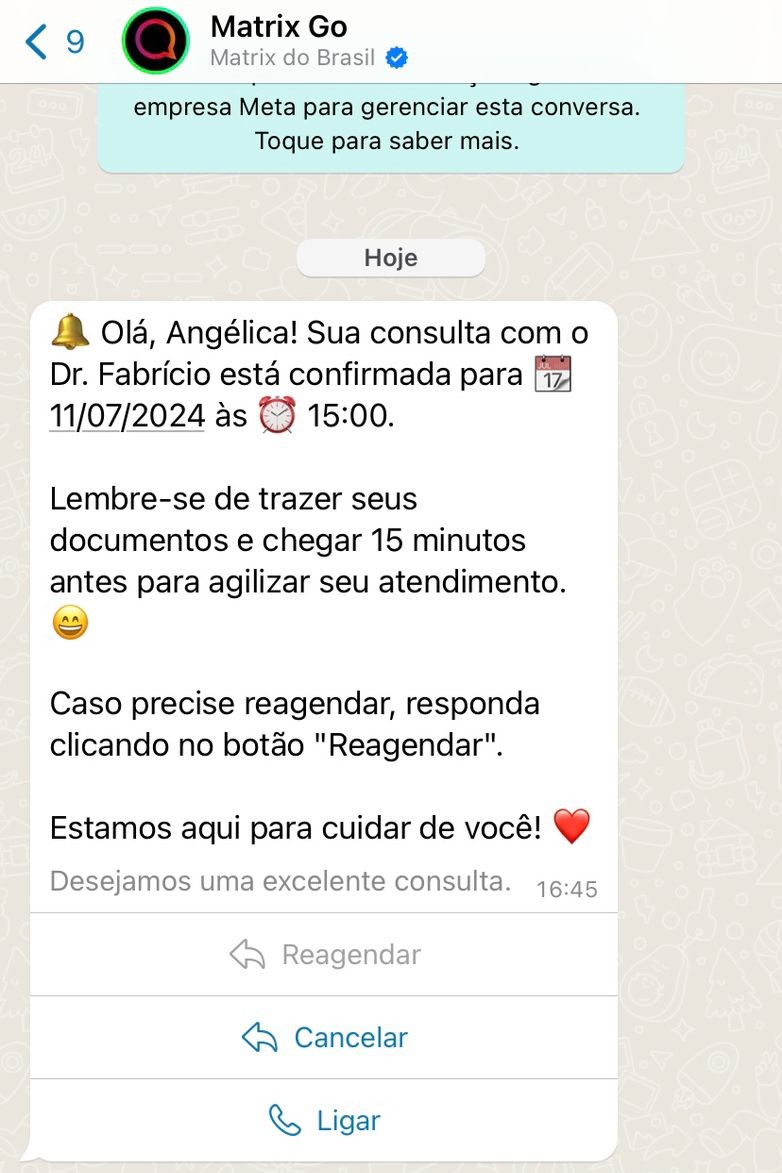
Utility Templates are triggered by a user action or request. They must include specific information about the transaction, account, subscription, active interaction, or appointment they refer to.
Practical Application: The client has scheduled an exam or appointment and you need to confirm this appointment.
Example Message:
- Authentication
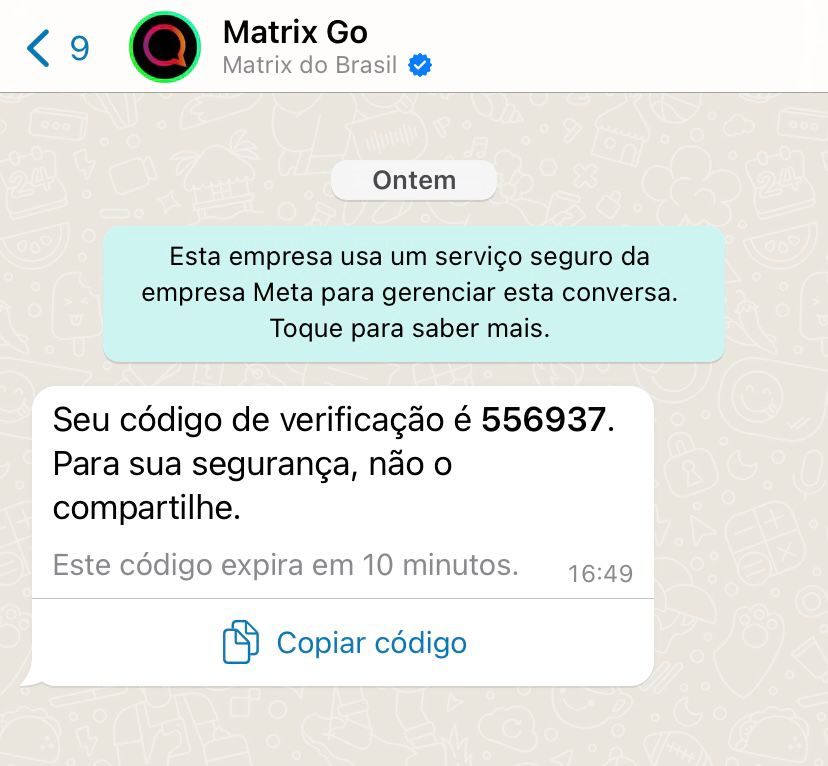
Authentication Templates are used to send security notifications to your customers.
Practical Application: The client logs into the platform and receives a code via a template for two-factor authentication.
Example Message:
Other Tips
- Remember that when you send a template, you don't get free text from the client, so create templates with questions to encourage the client to answer something.
- Extra tip: Use buttons in the template
- When registering templates in Broker, a flag is available that says "Allow template to be recategorized." If you select this flag, the Broker won't reject a template that doesn't fit the proposed category, but will fall back to the category Meta believes is correct.
- When you submit a template from a specific category (e.g., Marketing), you open a 24-hour window and can upload other templates from the same category at no additional cost.
- Bonus tip: Use this feature to build follow-up templates when you send a template and don't get a response;
- Marketing Experiment: If you use Marketing templates, you may have seen some errors in submissions indicating that the number is in a Marketing experiment and therefore cannot receive templates in this category.
- Unfortunately this is a restriction of Meta itself and from what it says, around 1% of the numbers are in this experiment (Source).
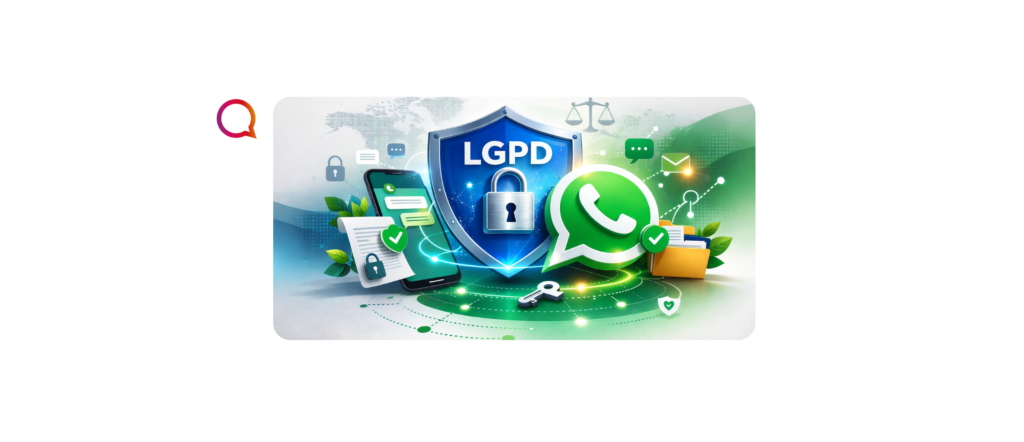
- OPT-IN and Consent: Remember that your customers must consent to receiving template messages, both according to WhatsApp policies and the LGPD;
Learn how to write a quality HSM
1. Define the Purpose of the Message
Every HSM should have a clear objective. Ask yourself:
- What is the purpose of this message?
- What do I want the recipient to do or know?
Some examples of common goals include confirming a purchase, sending an order status update, reminding you of an appointment, or providing important information.
2. Be Clear and Concise
Clarity is essential in an HSM. Use simple, direct language to convey your message. Avoid jargon and unnecessary information. An effective HSM should be quickly understood by the recipient.
Example of a Clear and Concise Message:
- Subject: Order Confirmation
- Message: “Hello [Name], your order #[OrderNumber] has been confirmed! The estimated delivery date is [Date]. Thank you for shopping with us.”
3. Personalize the Message
Personalizing the message with the recipient's name or other relevant information can increase customer engagement and satisfaction. Personalization shows that the message was written specifically for them, increasing relevance.
Example of a Custom Message:
- Subject: Appointment Reminder
- Message: “Hello [Name], this is a reminder for your appointment with Dr. [DoctorName] on [Date] at [Time].”
4. Use an Appropriate Tone
The tone of your message should reflect your brand's personality and be appropriate for the context. Be professional, friendly, and respectful.
Example of Appropriate Tone:
- Subject: Shipping Status Update
- Message: “Hi [Name], your # [OrderNumber] order is on its way! Delivery is scheduled for [Date]. Track the status here: [Link].”
5. Include Calls to Action (CTAs)
If the message requires action from the recipient, make that clear. Include a call to action (CTA) that's specific and easy to follow.
Example Message with CTA:
- Subject: Delivery Scheduling
- Message: “Hello [Name], your delivery is scheduled for [Date]. If you need to change the date, click here: [Link].”
6. Review and Test Your Messages
Before submitting your HSM for approval on WhatsApp, review the message to ensure there are no grammatical or typographical errors. Also, test the message with a small group to get feedback and make adjustments if necessary.
7. Submit for Approval
After reviewing and testing, submit your HSM for approval by WhatsApp. This process can take some time, so plan ahead.
Conclusion
Writing a quality HSM for WhatsApp requires attention to guidelines, clarity, personalization, and a clear objective. By following these practices, you can create messages that not only meet WhatsApp's requirements but also provide an excellent customer experience, increasing engagement and satisfaction. With a strategic and thoughtful approach, HSMs can be a powerful tool for proactive and effective communication with your customers.
And for our customers Matrix Go, we have the Academy, a training platform with a complete course on how to register HSMs in our Chatbots & AI service platform. Contact us our team and request your access!