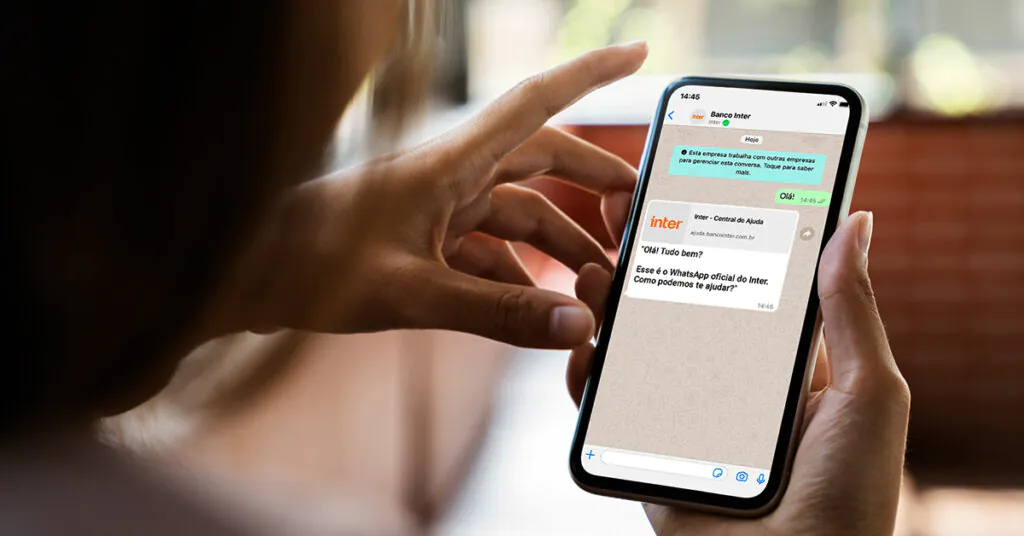
Have you ever dreamed of chatting with your customers on WhatsApp using the green seal verification approvalThis dream is about to become a reality! We'll tell you all about it here. How to get the green WhatsApp verification badgeFollow along!
Green seal
Having a verified network (with the green badge) on the app is a dream and aspiration for many businesses. In addition to... demonstration of credibility and trustThe seal, reserved for only a few companies, is a sign of high visibility.
It's important to know that The process of acquiring verification is not always completely clear and objective.However, submitting documents and complying with the guidelines for obtaining the seal does not always guarantee verification on the first try or within the desired timeframe.
How to get the green seal? Step by step!
The criteria: firstly It is necessary to be an active business using the WhatsApp Business model. – the WhatsApp Business API, of which the Matrix It is an official partner. The company cannot apply for the seal itself. The submission of documents and monitoring of the verification process will be handled by the partner provider.In our case, that's us!
Step 1: Sending documents
The verification process begins with... submission of some required standard documents for the Facebook (Meta) to understand the company's performance in general. They are:
- CNPJ
- Trade name
- Facebook page
- Website
Step 2: Two-factor authentication
Furthermore, with the aim of adding an extra layer of security to WhatsApp Business API users, Companies are required (mandatory) to enable two-factor authentication.This process is performed within the company's own Business Manager (Business Settings > Security Center).
Step 3: Information Verification
The final step corresponds to verification itselfin Business Manager. This step may vary from company to company, based on the content published and the data accessed. In general, at this stage, It is necessary to submit the relevant information.:
- Proof of business registration (Operating License OR Articles of Association OR Certificate of Incorporation OR Tax Registration Certificate OR Company VAT Certificate are accepted);
- Business address or phone number verification (Available documents include: Utility Bill OR Bank Statement OR Operating License OR Articles of Association or Certificate of Incorporation OR Tax Registration Certificate or Company VAT Certificate);
- Proof of company membership (confirmation by phone, answering a call from a number registered in the two-factor authentication OR confirmation by email, when the email domain matches the domain of the website associated with your company).
Seal denied! What now?
It's important to remember that if your verification request has been denied... This doesn't mean there's anything wrong with your business account on the WhatsApp Business API.As we said, the acquisition process is subjective, and not all criteria for qualifying for the seal are disclosed. It's possible to try again and achieve verification..
Okay, now you know. How to get the green WhatsApp verification badgeLet's get started! Contact our team: 0800 604 5555
See also: Why start using the WhatsApp API now?